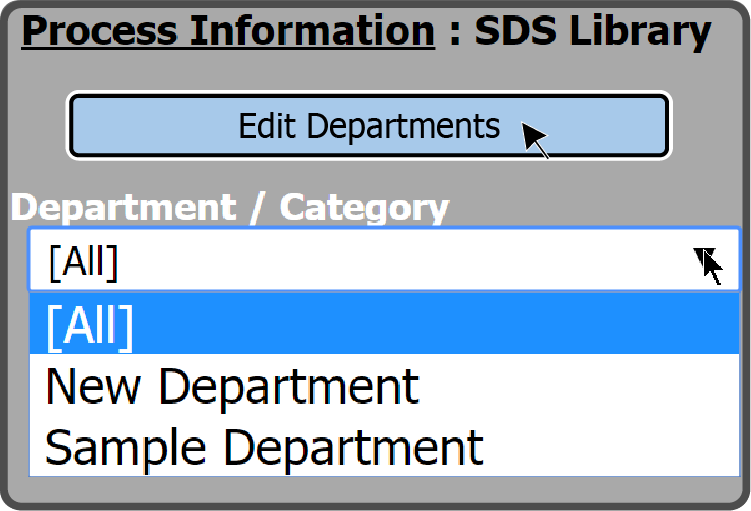
To create a new SDS Department, select the Edit Departments Button  on the left side of the page.
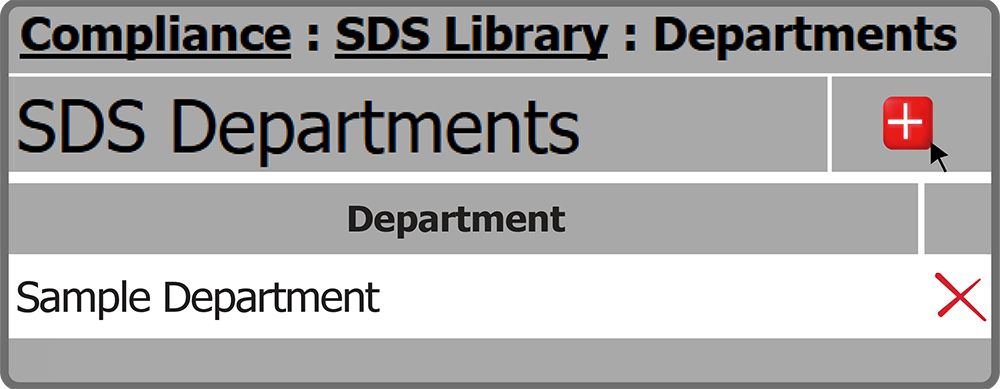
This opens the SDS Departments page. To add a department, select the Add Button  in the top right corner.
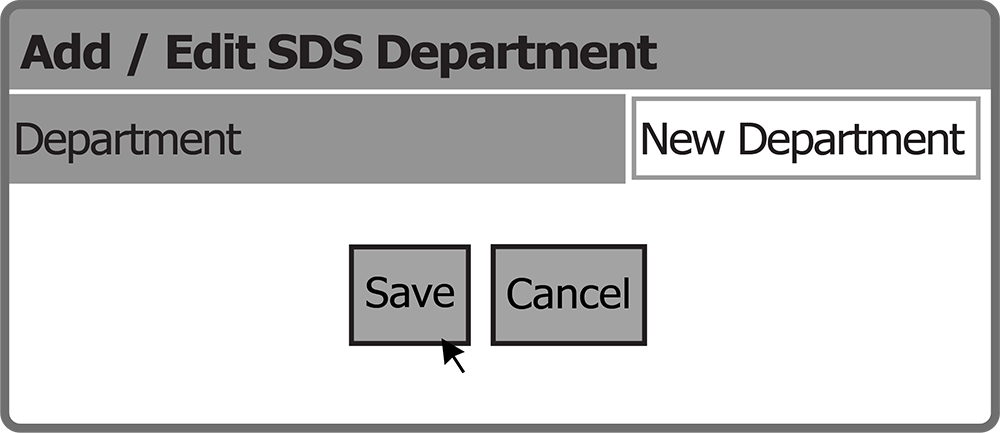
This opens the Add/Edit SDS Department window. Enter a department name and select the Save Button  .
.
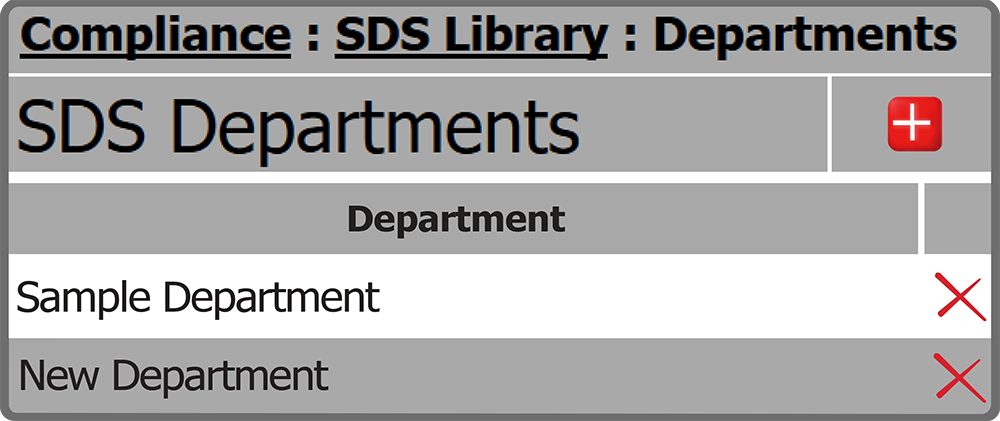
SDS Departments will refresh and show the new department.
 Related Topics